Back to projects

Utility

SwiftBeam: Any Device Transfer

SwiftBeam is a Flutter utility for sending files between phones and desktops without relying on an external cloud server. The app combines nearby discovery, QR-assisted connection, LAN socket transfer, Wi-Fi Direct or Nearby transport where available, FTP fallback, and a browser-based web portal for mixed-device cases. It is now live on Google Play and the Apple App Store.

Explores frictionless local sharing across phones and desktops.

SwiftBeam: Any Device Transfer

Platforms

AndroidiPhoneWindowsmacOS

Tech stack

FlutterDartRiverpodNearby/Wi-Fi DirectFTP/Web PortalLocal Network

Overview

A cross-platform local transfer utility with app-to-app sharing, device discovery, and web fallback routes.

Product purpose

Remove the friction of moving files between Android, iPhone, Windows, and macOS by choosing the most practical local transfer route automatically.

Target user

People who frequently move photos, documents, or large files between personal devices and need a direct local option that still works when one transport path fails.

Role and ownership

Product planning, UI implementation, architecture decisions, and app delivery.

Main features

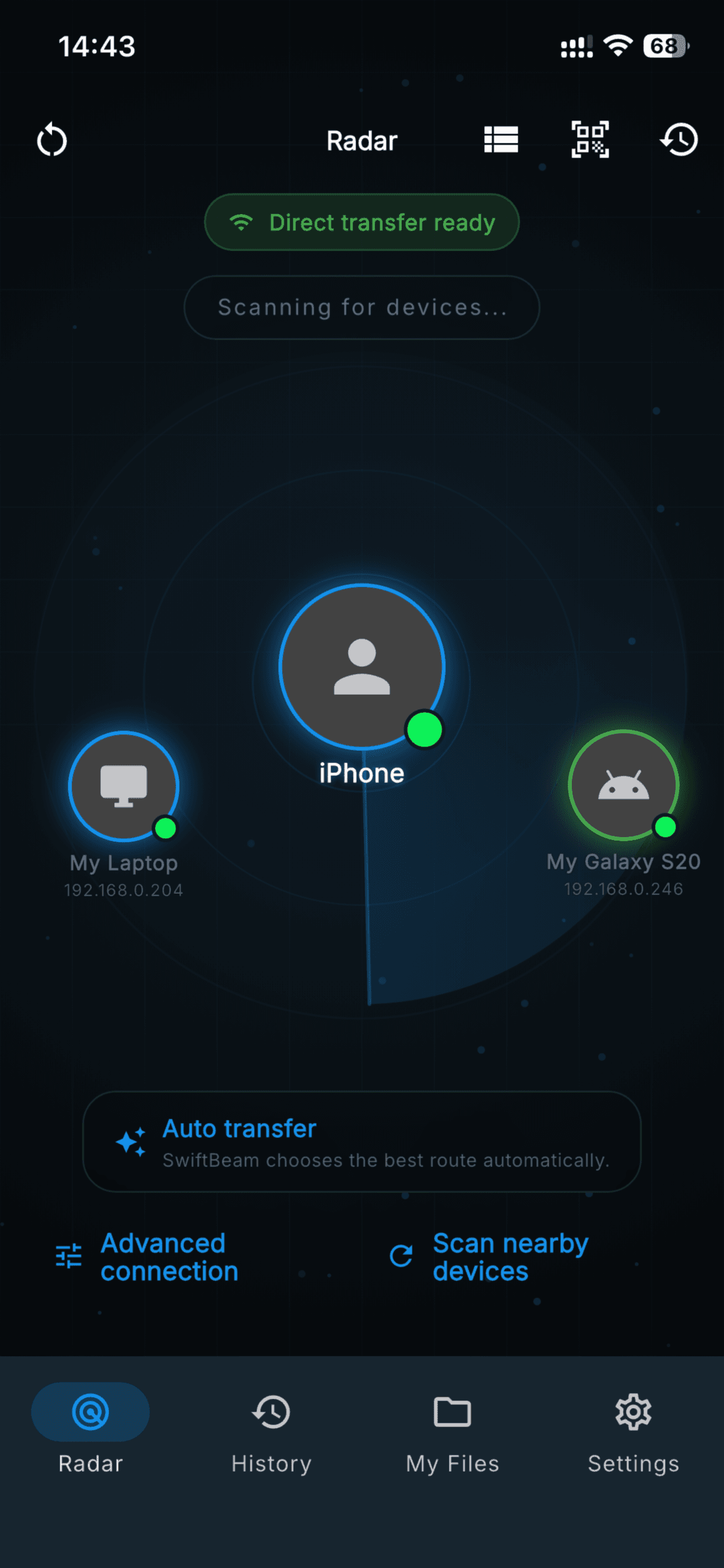
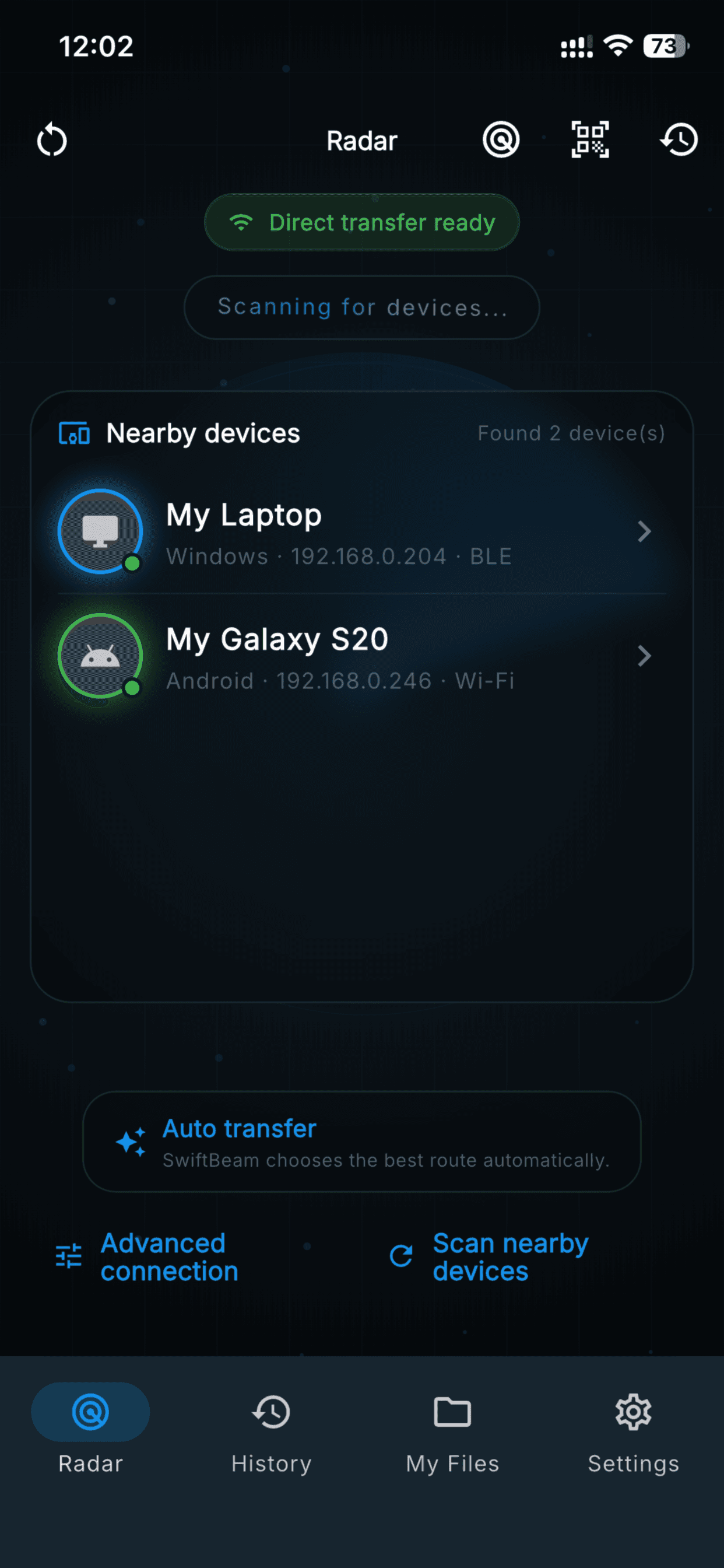
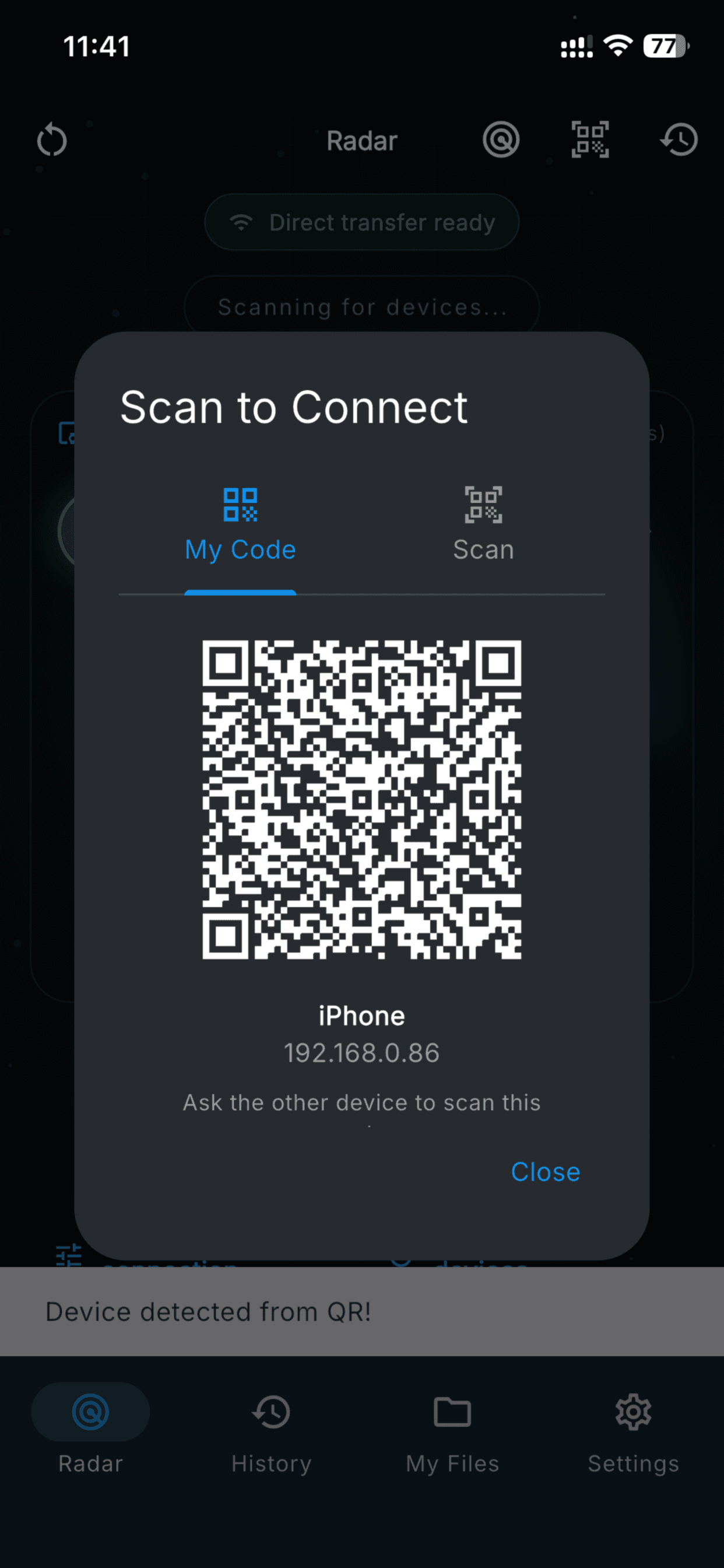
  • - Nearby device discovery and QR connection flow
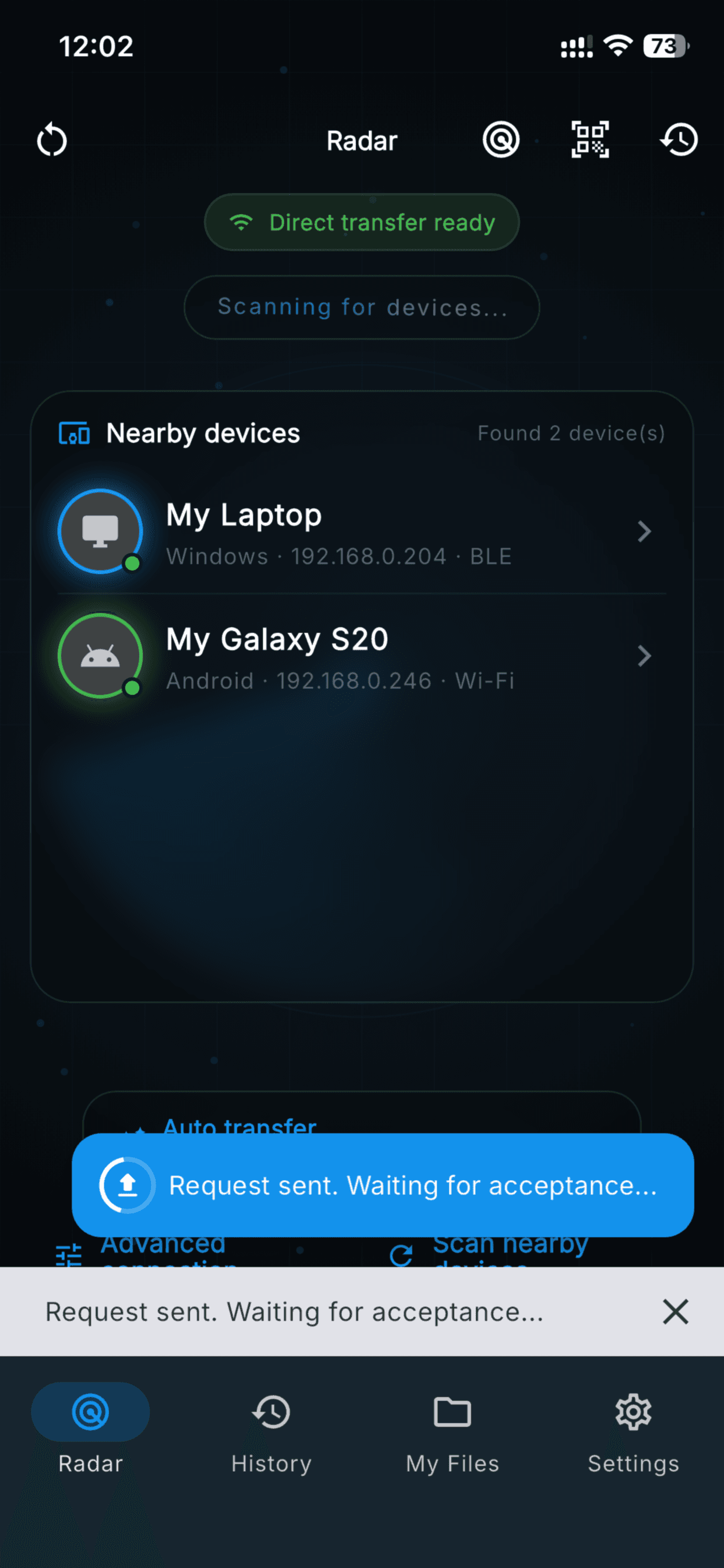
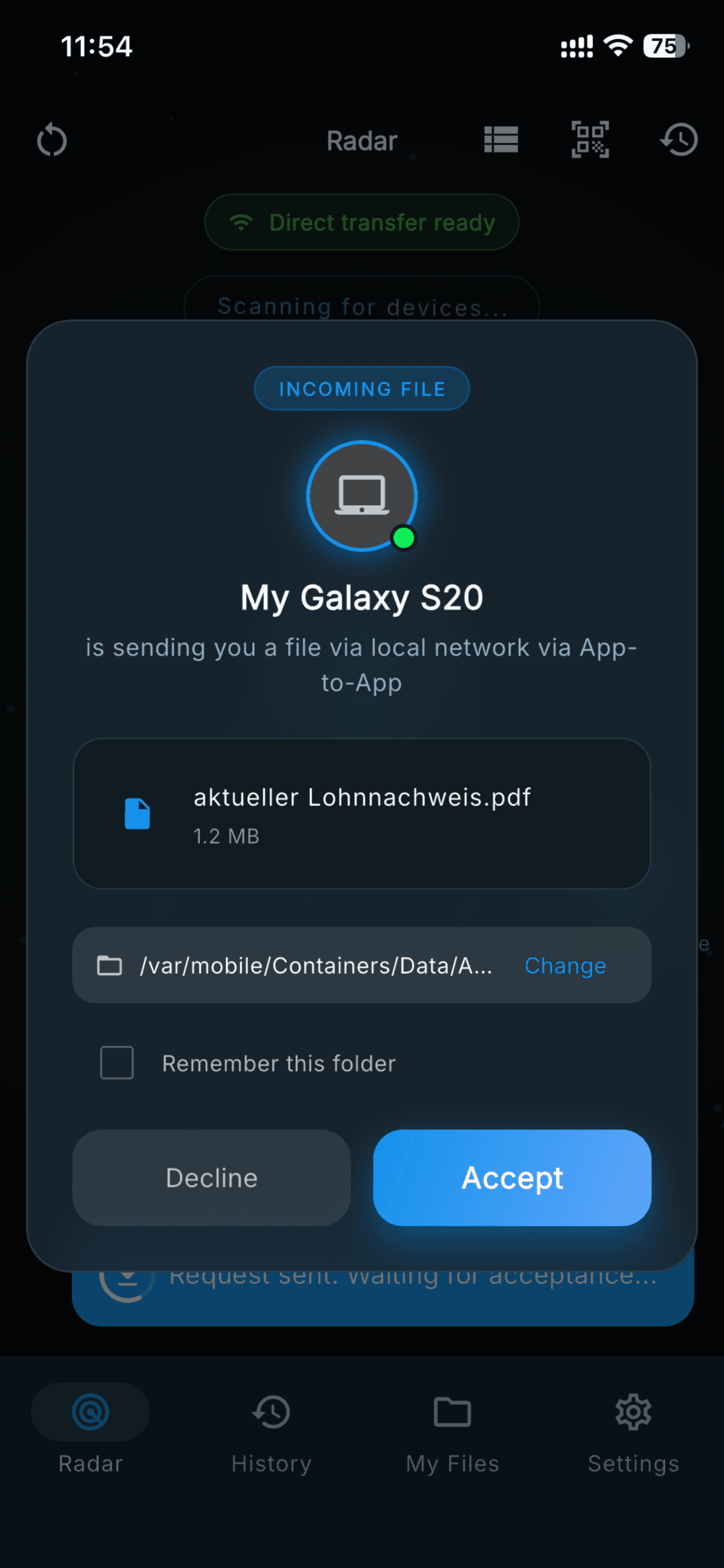
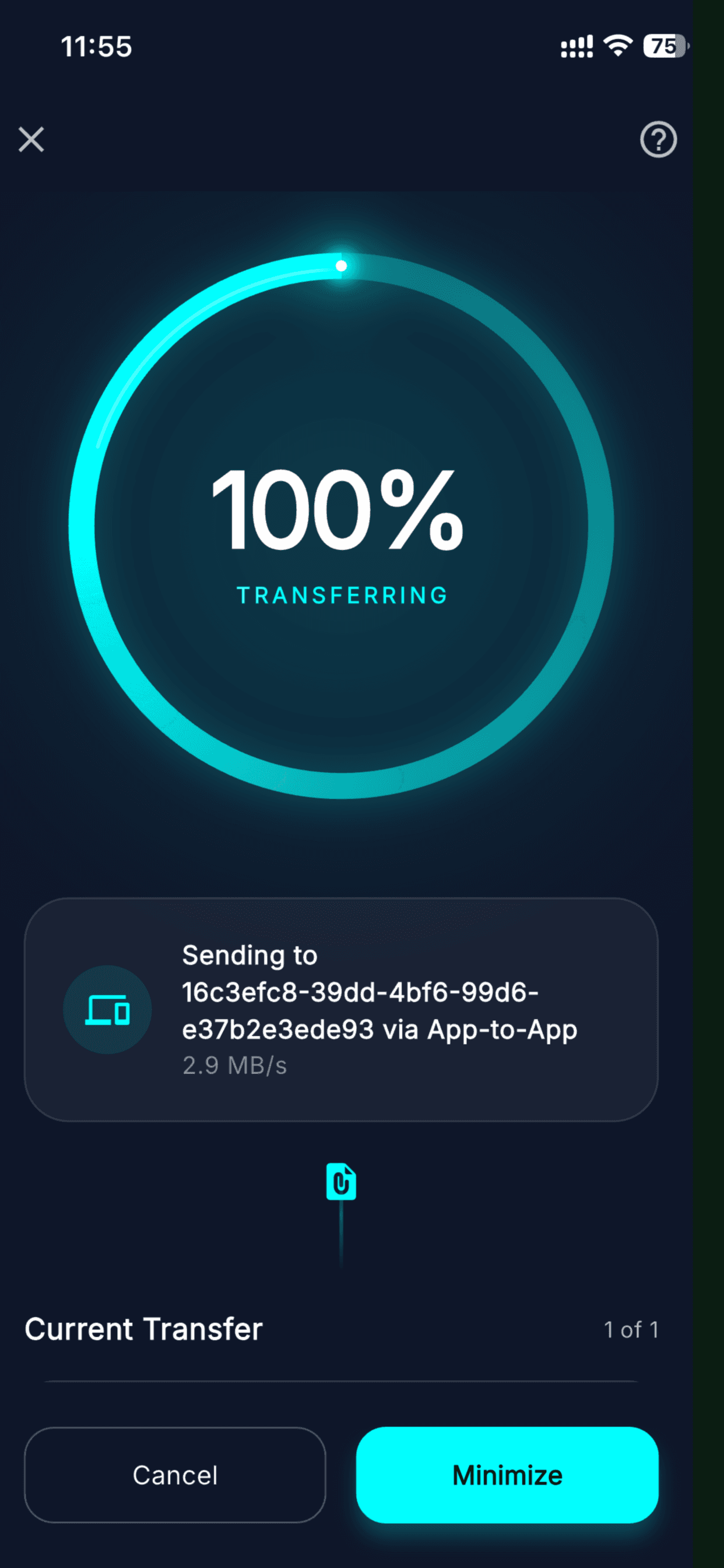
  • - Sender and receiver accept/progress states
  • - LAN TCP transfer with direct socket route
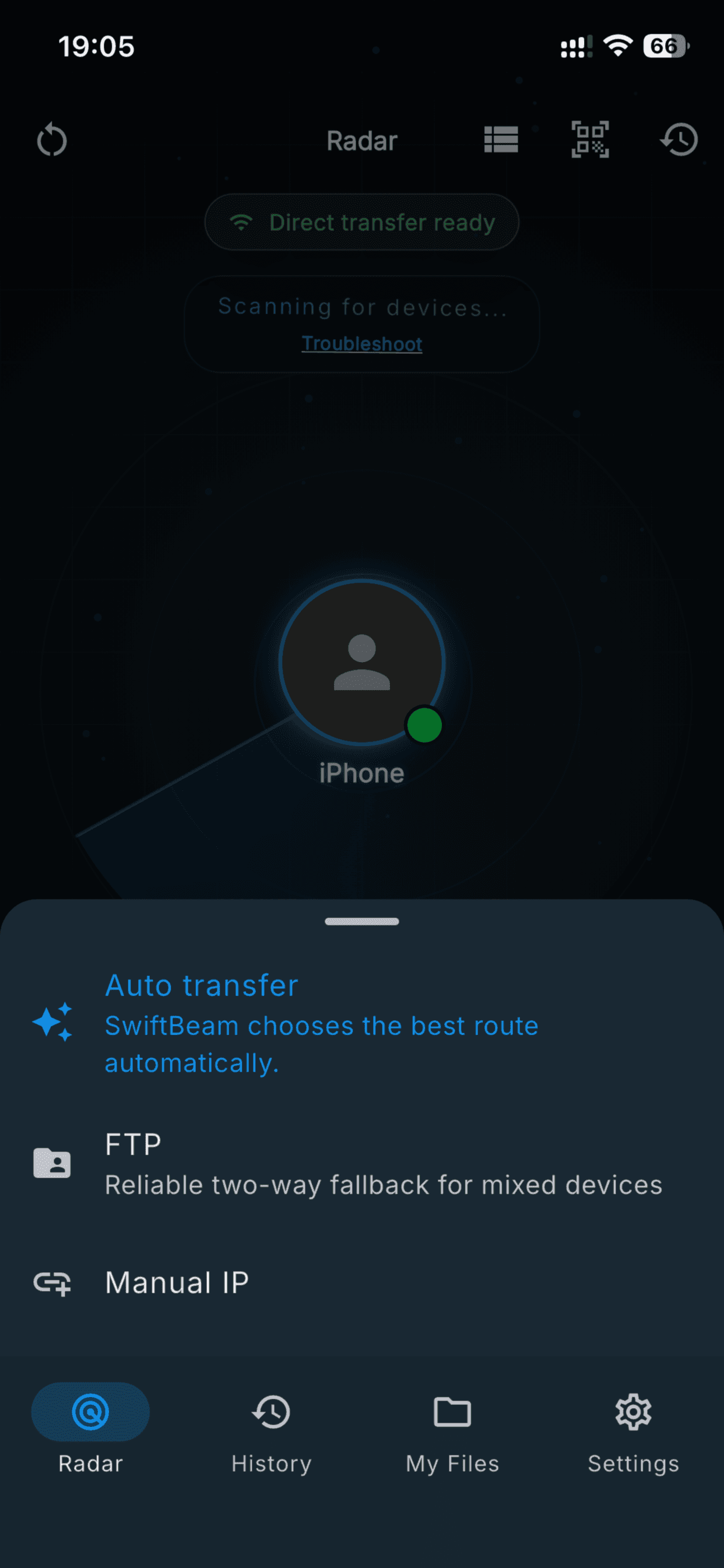
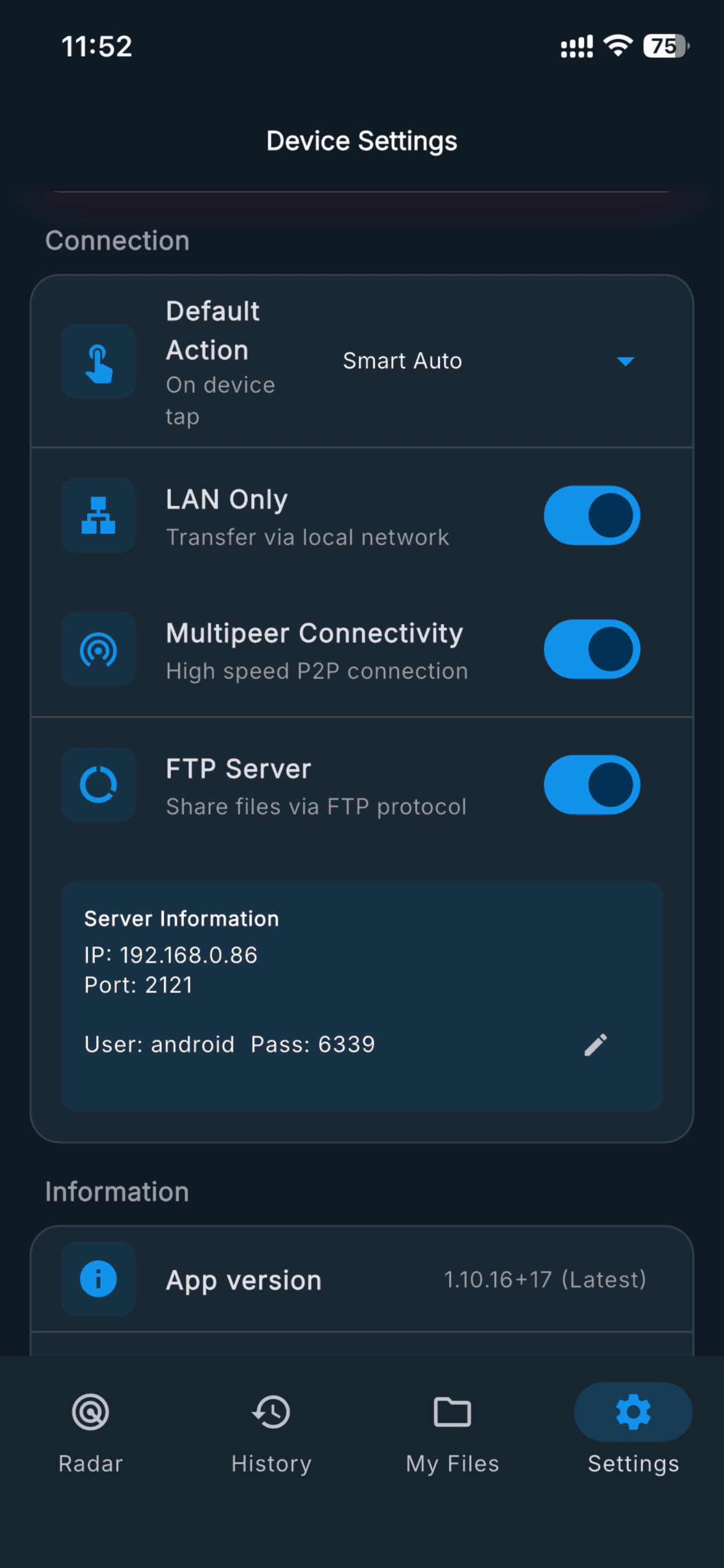
  • - FTP and browser web portal fallback for mixed devices
  • - Overwrite, skip, and cancel handling for existing files
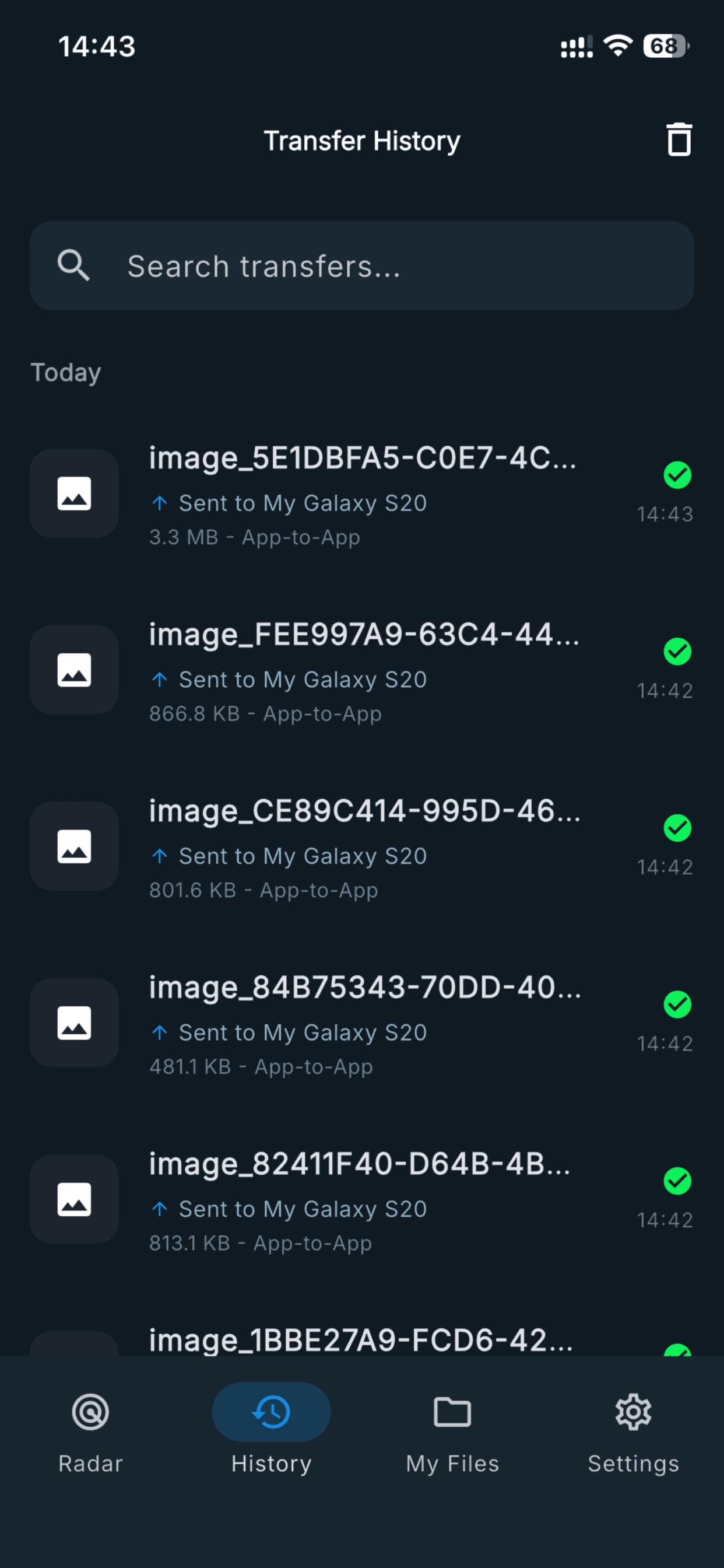
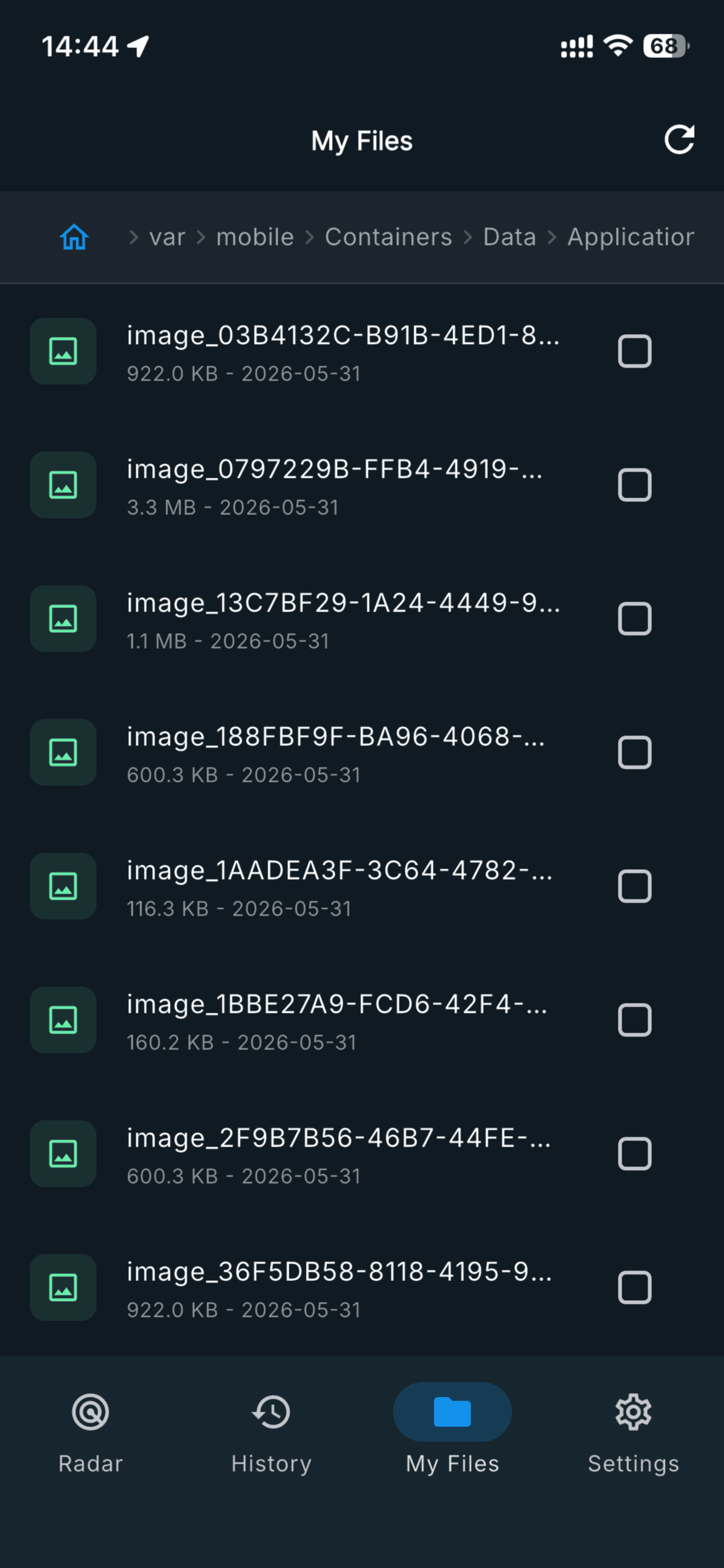
  • - Transfer history with route and file information

Technical notes

  • - Flutter app using Riverpod and GoRouter for product flow
  • - Smart transfer coordinator selects Nearby, Wi-Fi Direct, LAN TCP, FTP, web fallback, or manual route
  • - Uses file picker, mobile scanner, local network info, BLE/Nearby, FTP, shelf web server, WebSocket, and connectivity integrations
  • - iOS permission model covers camera, Bluetooth, local network, photos, location, and notification use cases

Future improvements

  • - Folder transfer expansion
  • - Richer transfer diagnostics
  • - More desktop-native receiving polish

Store screenshot

Store Screenshot 1

Store Screenshot 1

Store screenshot

Store Screenshot 2

Store Screenshot 2

Store screenshot

Store Screenshot 3

Store Screenshot 3

Store screenshot

Store Screenshot 4

Store Screenshot 4

Store screenshot

Store Screenshot 5

Store Screenshot 5

Store screenshot

Store Screenshot 6

Store Screenshot 6

Store screenshot

Store Screenshot 7

Store Screenshot 7

Store screenshot

Store Screenshot 8

Store Screenshot 8

Store screenshot

Store Screenshot 9

Store Screenshot 9

Store screenshot

Store Screenshot 10

Store Screenshot 10